

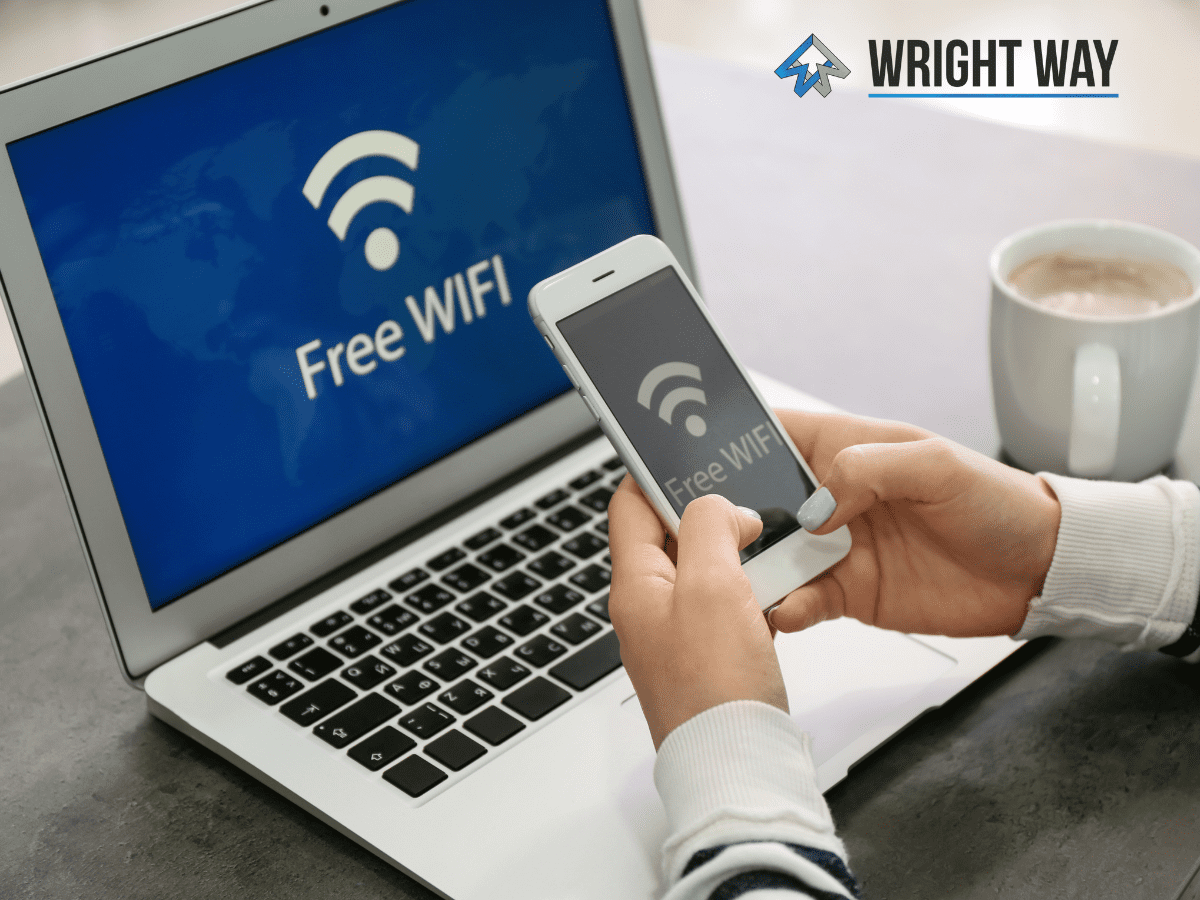
Using public Wi-Fi is incredibly common — coffee shops, hotels, airports, and waiting rooms all offer quick and easy internet access. While its convenient, many people don’t realize that using public Wi-Fi can come with security risks if you’re not careful.
Before logging into email, banking apps, or business accounts, it’s important to understand the risks.
Why Public Wi-Fi Can Be Risky
You Don’t Know How the Network Was Set Up
When you join a public network, you’re trusting that whoever configured it did so securely. If it wasn’t set up correctly, there may be little protection between you and other people using the same Wi-Fi.
On poorly configured networks, other users could potentially scan nearby devices looking for vulnerabilities.
Your Device Could Be Exposed
If your computer or phone isn’t properly secured, connecting to open Wi-Fi increases the chances of unwanted access. Even small security gaps can make a difference when you’re on a shared network.
That doesn’t mean public Wi-Fi is always unsafe — but it does mean you’re relying on unknown security standards.
The Risk of “Man-in-the-Middle” Attacks
One of the biggest dangers when using public Wi-Fi is something called a man-in-the-middle attack.
Someone can create a fake hotspot that looks like the real business network. If you connect to the wrong one, an attacker could potentially see the data moving between your device and the internet — including websites you visit or information you enter.
Even if the real network is secure, fake access points can still pose a threat.
Are There Safer Alternatives?
If you want a more secure connection, consider these options:
- Use a cellular connection:
Devices with built-in cellular data create a more private connection since you’re not sharing the network with strangers. - Turn on your phone’s hotspot:
Using your own hotspot lets your laptop connect through your phone’s cellular network instead of an unknown public system. - Keep your devices secure:
Make sure your security settings, updates, and protections are turned on — no matter where you connect.
Public Wi-Fi isn’t automatically dangerous, but it comes with unknown risks. Since you can’t control how a public network is configured or who might be watching, it’s smart to avoid sensitive activity when using it.
When possible, stick to your own cellular connection or hotspot for a safer online experience.