

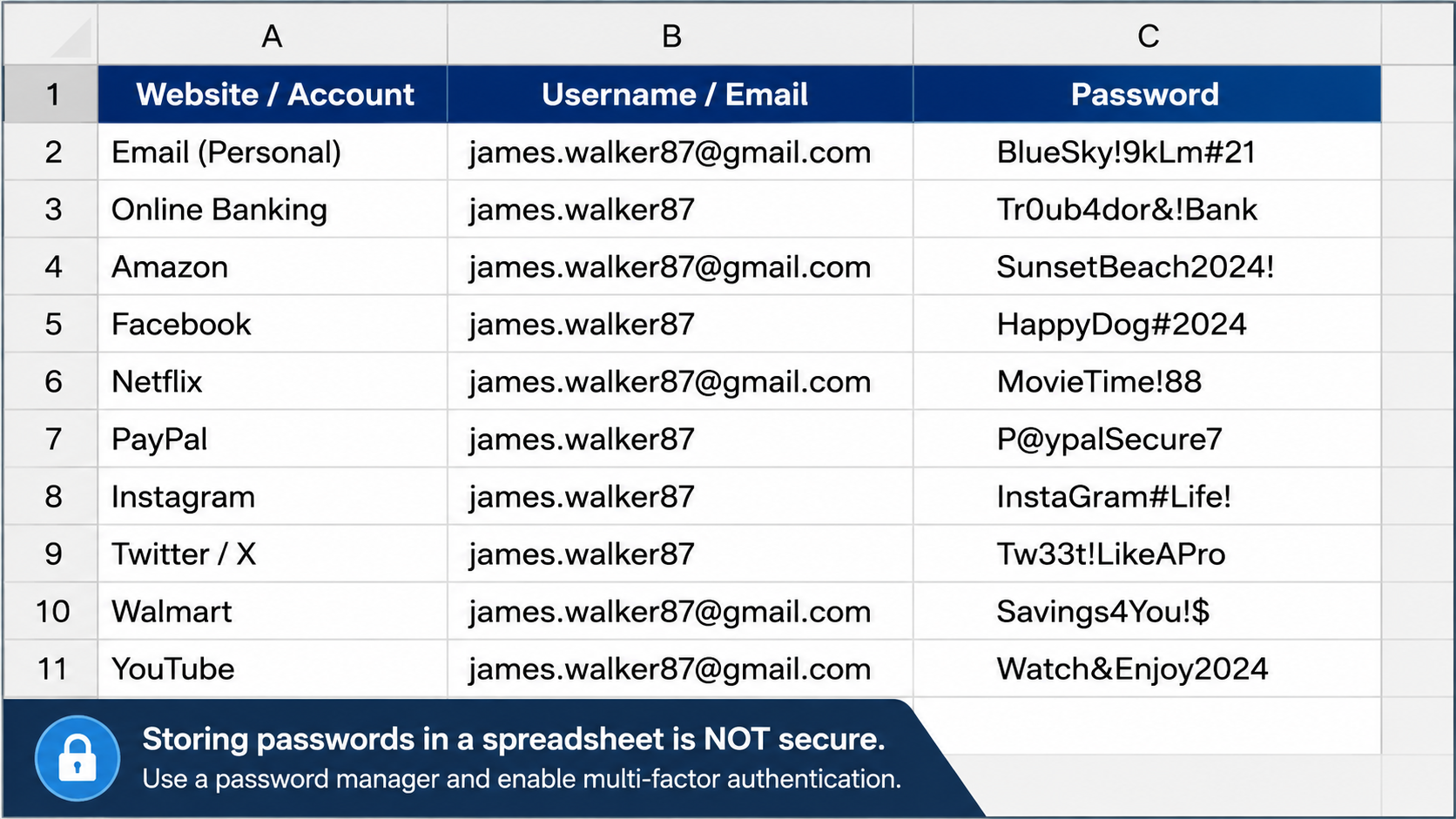
Many people know they should use different passwords for different accounts.
The problem is remembering them all.
As a result, some people create a Word document, Excel spreadsheet, or text file containing all their usernames and passwords. While it may seem convenient, it can create a serious security risk.
Never store passwords in a Word or Excel document. In fact, it’s one of the most common password mistakes we see. (How to Create a Strong Password)
Why You Should Never Store Passwords in a Word or Excel Document
Keeping a password list on a computer feels simple.
Everything is in one place, and you don’t have to remember dozens of passwords.
Unfortunately, it’s also a single point of failure.
If someone gains access to that file, they may gain access to nearly every account you own.
What Happens During a Scam?
Imagine a scammer convinces someone to allow remote access to their computer.
The victim thinks they’re speaking with a legitimate company or support technician.
Once the scammer gains access, they begin looking through files, folders, and documents.
If they find a spreadsheet or document labeled:
- Passwords
- Logins
- Accounts
- Banking
- Important Information
They may instantly have a list of usernames and passwords.
At that point, they can begin logging into accounts, changing passwords, and locking the owner out.
The Risk Isn’t Just Scammers
Password documents can also be exposed through:
- Malware infections
- Computer theft
- Cloud storage compromises
- Accidental file sharing
- Unauthorized access by others using the computer
A password document often contains the keys to your entire digital life.
What Should You Use Instead?
A password manager is a much safer option.
Password managers securely store your passwords using encryption and allow you to create strong, unique passwords for every account.
Popular password managers include:
- Bitwarden
- 1Password
- Dashlane
- Keeper
Instead of keeping passwords in a spreadsheet, they are stored in a secure vault designed specifically for password protection.
What About Passkeys?
Passkeys are becoming increasingly popular as an alternative to traditional passwords.
Rather than creating a password, passkeys use cryptographic security tied to a trusted device or security key.
Many password managers now support passkeys and can securely sync them across multiple devices.
Some users also choose to store passkeys on dedicated hardware security keys for an additional layer of protection.
One challenge with passkeys is that they can be stored in many places, including:
- Computers
- Phones
- Web browsers
- Cloud accounts
- Password managers
- Hardware security keys
This can create confusion about where your passkeys are actually stored.
For that reason, many security professionals recommend using a trusted password manager or hardware security key to keep passkeys organized and secure.
Storing passwords in a Word document or spreadsheet may seem convenient, but it can create a major security vulnerability.
Instead:
- Use a password manager
- Enable multi-factor authentication
- Keep software updated
- Be cautious about who you allow access to your computer
The safer your password habits are today, the less likely you’ll be dealing with compromised accounts tomorrow.