

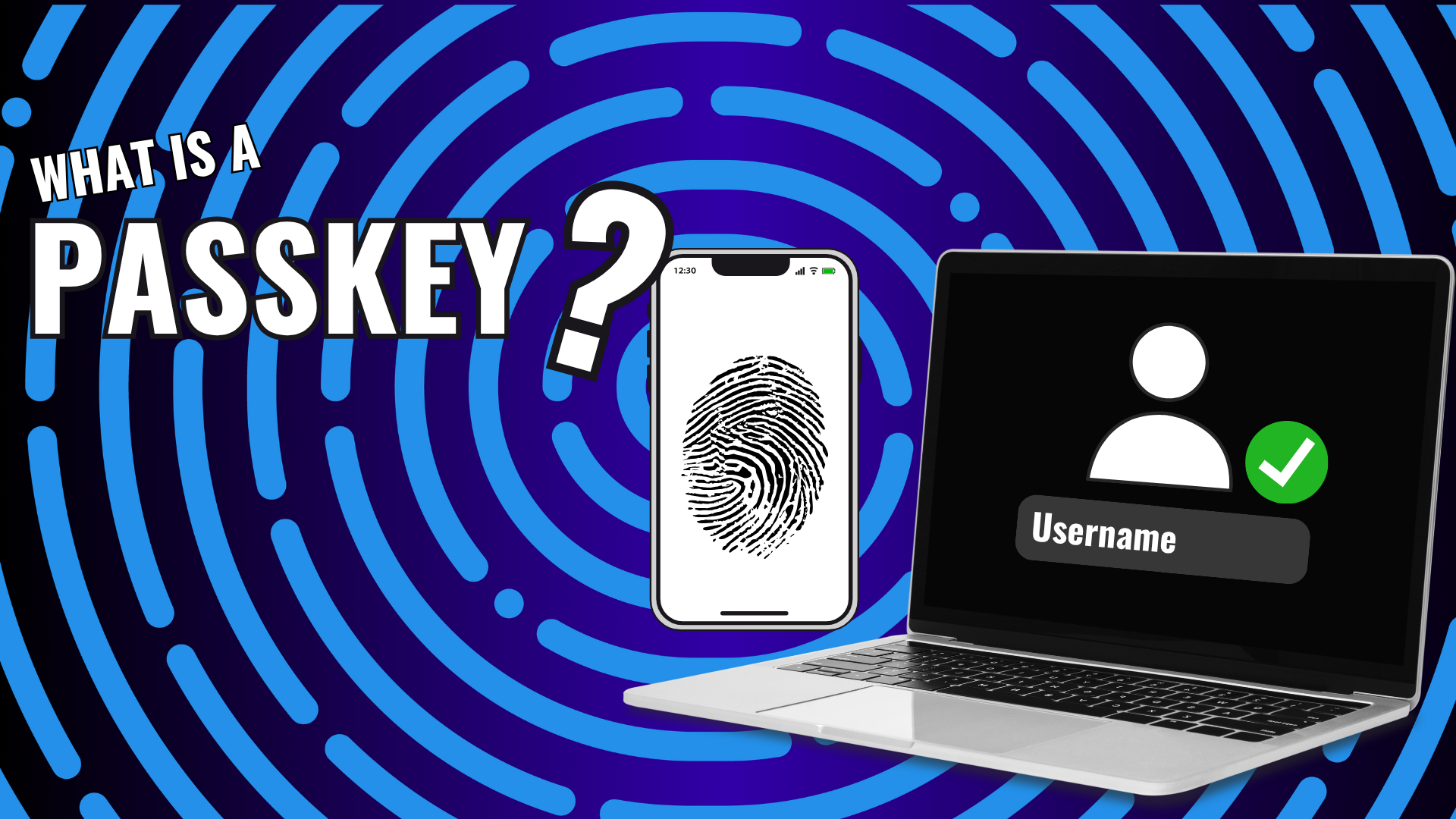
Passwords have been the standard way to protect online accounts for decades. However, passwords come with challenges. They can be forgotten, reused across multiple accounts, stolen in data breaches, or tricked out of users through phishing scams.
That’s where passkeys come in.
Passkeys are a newer way to sign in to websites and apps without needing to remember a traditional password. They are designed to be easier to use and more secure than passwords.
What Is a Passkey?
A passkey is a digital credential that allows you to sign in to an account using a trusted device, such as your phone, computer, tablet, or a hardware security key.
Instead of typing a password, you verify your identity using something you already use every day, such as:
- Fingerprint recognition
- Face recognition
- Device PIN
- Hardware security key
Once verified, your device securely signs you into the account.
How Are Passkeys Different From Passwords?
Traditional passwords rely on a secret that you create and remember.
Passkeys work differently.
When a passkey is created, two cryptographic keys are generated:
- A public key that is stored by the website or service.
- A private key that remains securely stored on your device.
The private key never leaves your device and is never shared with the website.
When you sign in, the website verifies that your device possesses the correct private key without ever seeing it.
This makes passkeys significantly more resistant to many common cyberattacks.
Why Are Passkeys More Secure?
Passkeys offer several security advantages over traditional passwords.
Protection Against Phishing
One of the biggest threats online is phishing.
Cybercriminals create fake websites that look identical to legitimate websites in an attempt to steal usernames and passwords.
Because passkeys are tied to the legitimate website, they won’t work on a fake website, helping protect users from phishing attacks.
No Password to Steal
If a website experiences a data breach, there is no password for a cybercriminal to steal and reuse elsewhere.
This reduces the risk of credential stuffing attacks, where stolen passwords are tested across multiple websites.
Stronger Account Protection
Passkeys are automatically generated and cannot be guessed, reused, or easily shared.
Unlike passwords, users don’t have to create or remember them.
Where Are Passkeys Stored?
This is where things can become confusing.
Depending on how they are created, passkeys may be stored in:
- Your phone
- Your computer
- Your web browser
- Your cloud account
- A password manager
- A hardware security key
Different companies handle passkeys differently, which can sometimes make it difficult to know where a passkey is stored.
What Is “Passkey Sprawl”?
As passkeys become more common, some people begin creating passkeys on multiple devices without realizing it.
For example:
- One passkey on a phone
- Another on a laptop
- Another in a browser
- Another in a password manager
Over time, it can become difficult to track where your passkeys are stored.
This is sometimes referred to as passkey sprawl.
Keeping passkeys organized can help reduce confusion and make account recovery easier if you lose a device.
What’s the Best Way to Manage Passkeys?
There is no single approach that works for everyone, but many security professionals recommend one of the following:
Store Passkeys in a Password Manager
Many modern password managers now support passkeys.
This allows passkeys to sync securely across devices and operating systems, including:
- Windows
- Mac
- Linux
- Android
- iPhone
Using a password manager can make it easier to manage passkeys from a single location.
Use a Hardware Security Key
For users who want the highest level of protection, hardware security keys provide another option.
These physical devices store credentials separately from your computer and can help protect against account compromise.
While extremely secure, they require more planning and management than software-based solutions.
Should You Use Passkeys?
For most users, yes.
Passkeys provide a more secure and convenient alternative to traditional passwords.
However, understanding where your passkeys are stored and how they are managed is important. As more websites adopt passkeys, taking a thoughtful approach to organization and account recovery will help you get the most benefit from this new technology.
Passkeys are quickly becoming the future of online authentication.
They offer stronger protection against phishing attacks, eliminate the need to remember complex passwords, and reduce the risk associated with data breaches.
Whether you choose to manage passkeys through a password manager or a hardware security key, understanding how they work is an important step toward better online security.
As technology continues to evolve, passkeys may eventually replace many of the passwords we use today.